Fill in the invoice below, pick your province, and download a professional PDF — free, no account, no email required. GST, HST, PST and QST rates are suggested automatically, and nothing you type ever leaves your browser.
| Description | Qty | Rate | Amount | |
|---|---|---|---|---|
| $0.00 |
Creating a professional invoice takes a couple of minutes. Follow these steps to create an invoice that matches your brand.
Select the colour theme in which you wish to display your invoice. Once done, upload your business logo(240 × 240 pixels @ 72 DPI, max 1 MB) so your invoice reflects your brand's image.
Fill out the details — your business name and address, the customer's contact information, the invoice number, the invoice date, and the payment due date. Choose the province of supply and the right sales tax — GST, HST, PST or QST — appears automatically.
Enter the details of the sale items in the item description table, and the generator automatically calculates the amounts as you input the quantities and rates. You can also add additional notes and payment terms in the Notes and Terms & Conditions sections.
After entering all the necessary details, click Download / Print PDFto download or print the document. Nothing is saved online — your invoice never leaves your browser. Want it saved, sent, and tracked? That's what Nummo does.
A usual business invoice contains the following components:
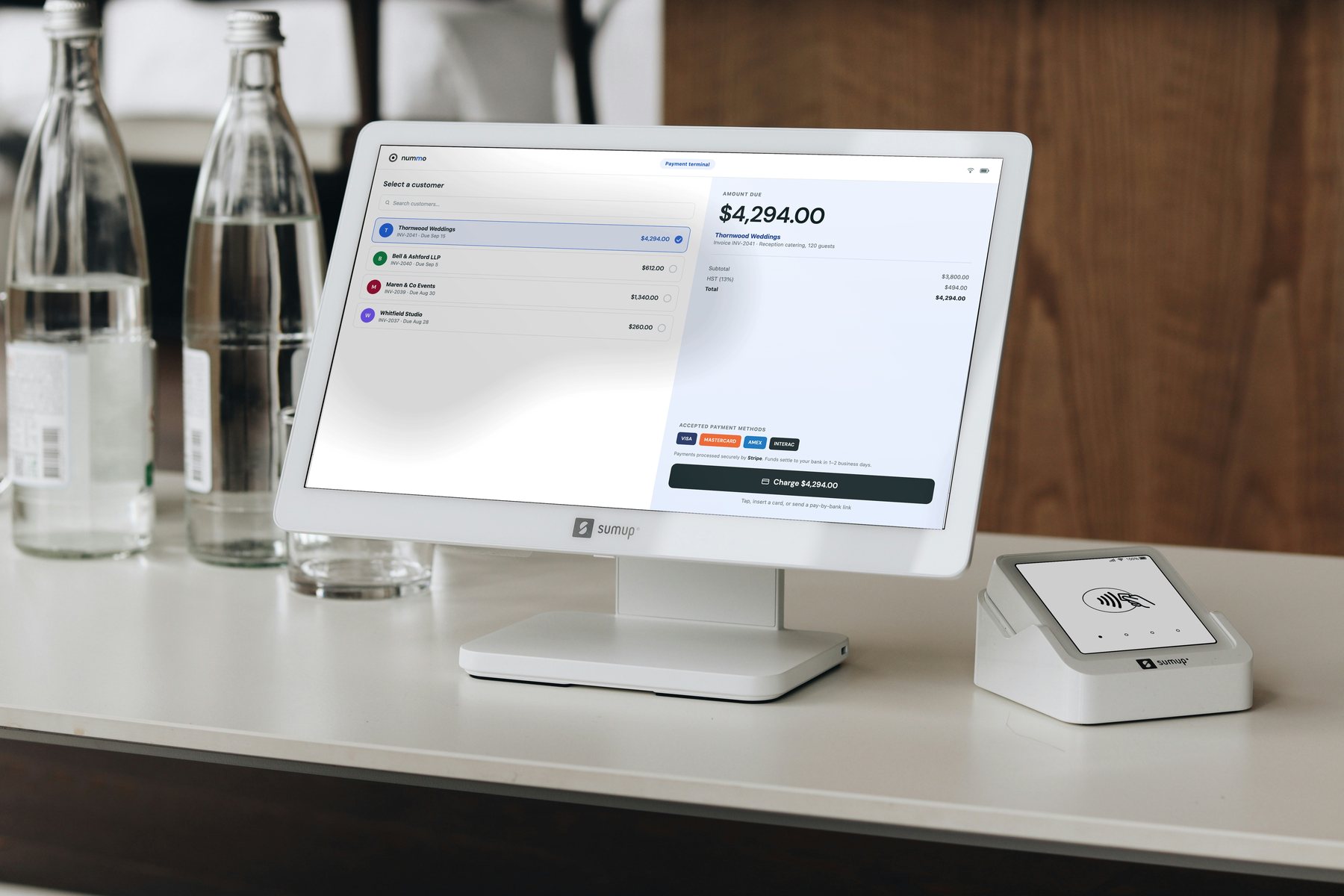
Creating invoices is a hassle. So is chasing payments, tracking expenses, and doing taxes. Nummo makes all of it easy — send invoices and estimates, get paid by card or bank, track expenses, and keep proper Canadian books, all in one place.
Tell us where your books live today and we'll show you exactly what switching looks like — usually a single call and a file.